How to Connect Facebook Lead Ads to a CRM: Zoho, ActiveCampaign and ZemNeo Compared
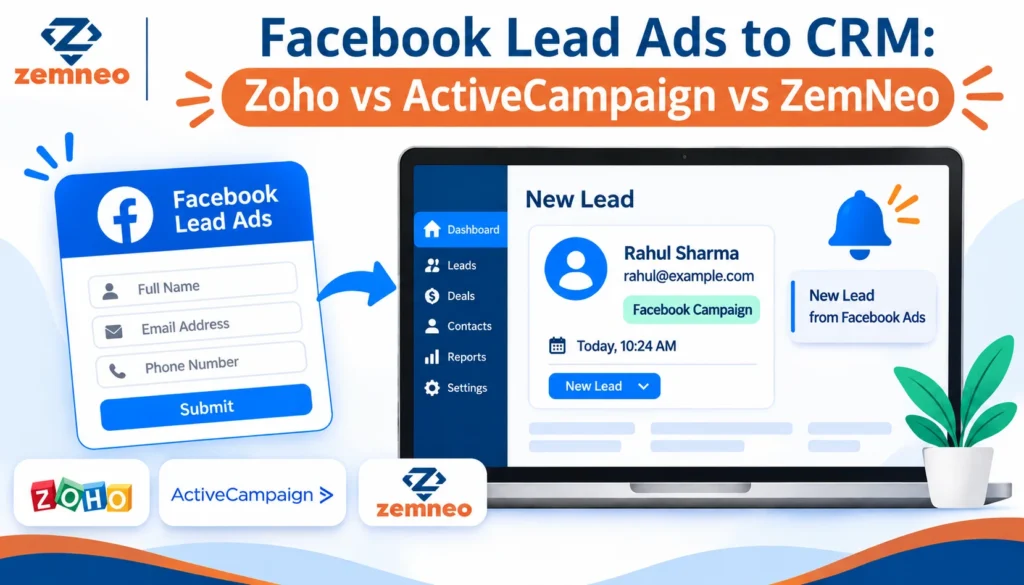
To connect Facebook Lead Ads to a CRM, you link your Facebook page and lead forms to the CRM, match each form question to a CRM field, and send a test lead. After that, every form submission lands in the CRM as a new lead, with no file downloads in between. Zoho CRM, ActiveCampaign and ZemNeo all support this, but each one gets there in a different way.
Here is why sending Facebook Lead Ads to CRM automatically matters. Someone who fills out your lead form is interested right now. If your team opens a spreadsheet the next morning, that interest has already cooled. In this guide, we compare how each tool handles a Facebook lead ads integration, what you need before you start, and which one suits which kind of business.
Why a Facebook lead ads integration beats CSV downloads
By default, Meta lets you download your leads as a CSV file. That works when you get ten leads a week. It breaks when you get a hundred.
- Delay. Leads wait in Ads Manager until someone remembers to download them.
- Copy errors. Phone numbers lose digits and names land in the wrong column.
- Lost context. The campaign, ad set and creative that brought the lead rarely make it into the sheet.
A working Facebook lead ads integration removes all three problems. The lead reaches your sales team within seconds, with its details attached. Our post on why small businesses lose leads shows how often the real cause is a slow handoff, not a bad ad.
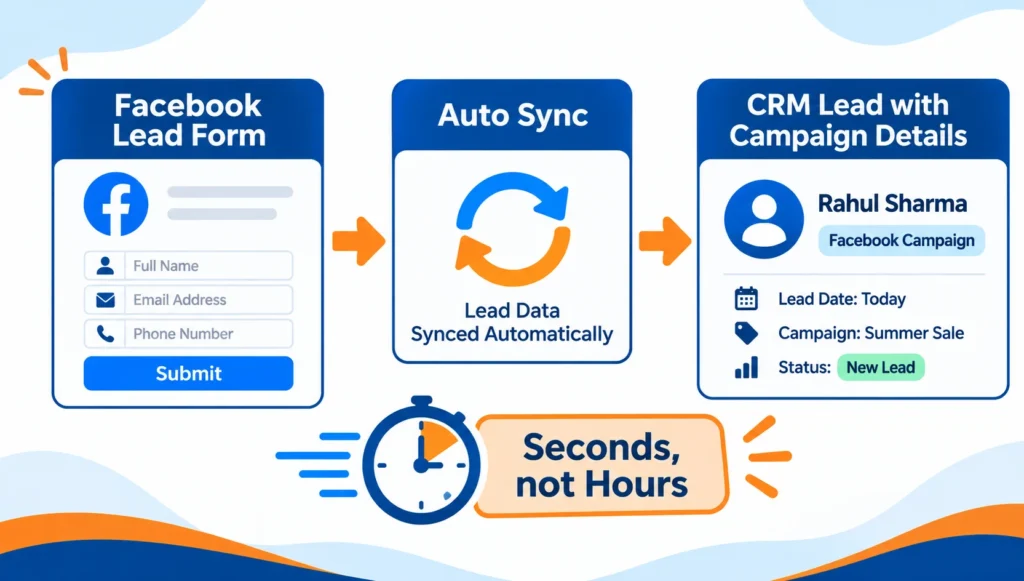
Three ways to send Facebook Lead Ads to CRM
Every tool below uses one of these routes.
1. A built in or marketplace connection: The CRM, or an extension in its marketplace, talks to Meta directly. You log in, pick your form, and map fields.
2. A connector app such as Zapier or Make: A middle tool watches for new leads and pushes them into the CRM. It is flexible, but it adds another login and another monthly bill.
3. A webhook or API connection: Meta sends each new lead to a web address the moment it is submitted. This is fast, but someone needs to set it up properly.
For most small teams, route 1 is the easiest Facebook lead ads integration to live with, because there is one tool to maintain instead of two.
Before you connect anything
Most failed setups trace back to the same three gaps. Fix these first, and the Facebook lead ads integration itself takes minutes.
- Create the CRM fields in advance. If your form asks for “city” or “budget,” the CRM needs a place to store them. Both Zoho and ActiveCampaign tell you to create these fields before you connect the form, and the same habit helps with any Facebook lead ads to CRM setup.
- Keep the form short. Name, phone and one qualifying question usually give better leads than a long form.
- Decide who owns new leads. A lead with no owner is a lead nobody calls.
Your Facebook page admin should also be ready to log in, since all three tools need permission to read your forms.
How the Facebook lead ads integration works in Zoho CRM
Zoho’s own help pages point to LeadChain, an extension from the Zoho Marketplace, for syncing Facebook Lead Ads into Zoho CRM. The setup has two steps: connect the apps, then map the fields.
Here is what you can expect:
- Leads can go into the Leads or Contacts module.
- You can set a default lead source, such as “Facebook Lead Ads,” so you can filter these leads later.
- Zoho recommends creating the needed fields in the Leads module before you enable the sync.
This Facebook lead ads integration is a solid route if you already live inside the Zoho family and are comfortable with its modules and custom fields. The trade off is that the connection runs through an extension, so you manage one more piece. If you are comparing the two products more broadly, we cover that in our Zoho CRM comparison for Indian SMBs.
How the Facebook lead ads integration works in ActiveCampaign
ActiveCampaign offers a Lead Ads app that you add from the Apps section of your account. It uses a webhook, so a new lead is pushed to ActiveCampaign when a connected form is submitted.
A few things to know:
- Each contact gets an integration tag, plus a tag based on the form they filled out.
- A Lead Ads object appears on the contact record, showing which form was submitted.
- You need to create the form fields and the matching contact custom fields before setup.
- The app page says this integration is available on the Marketing Plus and higher, Sales Professional and higher, and the matching bundle plans. Check ActiveCampaign’s page for the current plan rules before you decide.
This Facebook lead ads integration fits teams that care most about email follow up and nurture automations. Tags are useful for that. The focus, though, is marketing automation. If your sales team needs deal stages, round robin assignment and task reminders, check how far the sales side goes for your plan.
How the Facebook lead ads integration works in ZemNeo
The Facebook CRM integration in ZemNeo pushes Lead Ad submissions into the CRM in real time. Each form submission creates a lead automatically, with the contact details and form answers filled in. It also needs Meta API access, which is how the CRM reads your forms securely.
What stands out for a sales team:
- Campaign details stay attached. Each lead stores the campaign name, ad set and creative, so you can see which ads bring good leads and not just many leads.
- Smart assignment. New leads can be shared using round robin, territory based or service based rules, so no lead waits for a manager to hand it out.
- Clean data. It identifies duplicate leads and matches existing contacts, so a person who fills your form twice does not become two records.
- Automation on arrival. A new Facebook lead can trigger a task, a reminder or a notification at once. This links to workflow automation in CRM, which we explain in plain words.
Because the lead lands in the same place where your team manages lead management and follow ups, there is no second tool to open. Teams that also run Instagram forms can use the Instagram CRM integration the same way.
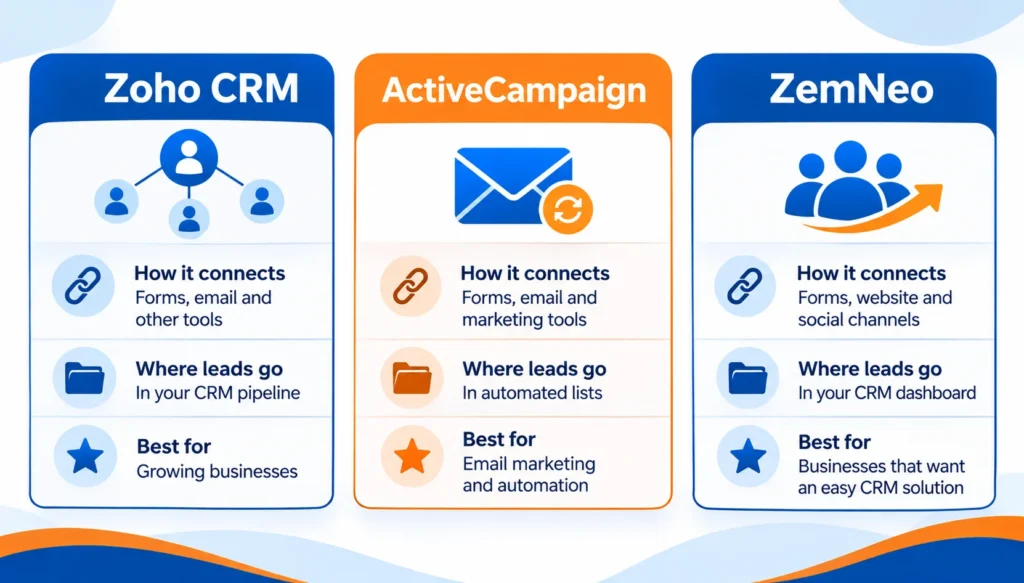
Zoho vs ActiveCampaign vs ZemNeo at a glance
| Zoho CRM | ActiveCampaign | ZemNeo | |
|---|---|---|---|
| How it connects | LeadChain extension from the Zoho Marketplace | Lead Ads app, using a webhook | Direct connection using Meta API access |
| Where leads go | Leads or Contacts module | Contact record with tags and a Lead Ads object | CRM lead with form answers and campaign details |
| Setup needs | Fields created first, then connect and map | Form fields and custom fields created first | Meta API access and a form to connect |
| Strong point | Good fit if you already use Zoho apps | Email nurture and tag based automation | Sales follow up, assignment and campaign tracking in one place |
| Check before buying | Extension setup and your plan | Plan level that includes Lead Ads | Your lead volume and team size |
Features and plans change, so confirm the details on each vendor’s page before you commit.
Which one should you choose?
Skip the feature lists when you pick a Facebook lead ads integration, and start with how you work.
- Choose Zoho CRM if your business already runs on other Zoho apps, and your team is comfortable setting up modules.
- Choose ActiveCampaign if your main goal is email and nurture campaigns, and the sales process is simple.
- Choose ZemNeo if you want leads, follow ups, assignment and reporting in a single CRM that you can shape to your own process. It is built for small and growing businesses that sell through calls, WhatsApp and site visits, which is how most Indian SMBs work.
If you are still deciding between CRMs, our guide to the primary objective of the CRM process helps you write down what you actually need first.
Mistakes to avoid after you connect
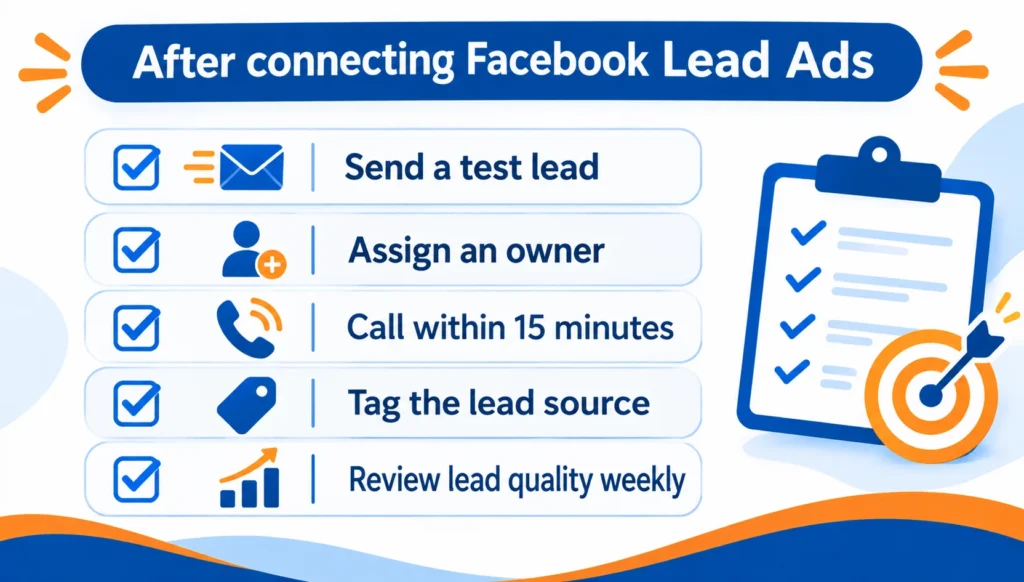
Never testing. Meta has a lead ads testing tool, and every new Facebook lead ads integration should be tested with it. Send a sample lead and check that every field arrives in the right place.
Ignoring response time. The integration moves the lead fast. A person still has to call. Set a rule, such as “call within 15 minutes,” and give the lead an owner.
Mixing up lead sources. Tag Facebook leads clearly, or your reports will blend them with walk ins and calls.
Never checking lead quality. A cheap lead that never answers the phone is not cheap. Track how many Facebook leads become real conversations. Our guide on how to manage sales opportunities in CRM shows how to follow a lead from first call to closed deal.
Once leads are flowing, a simple report on leads, response time and conversions shows if the ads are paying for themselves. The same idea works for agencies reporting to clients, as we explain in what a client reporting dashboard is.
Final thoughts
A good Facebook lead ads integration is not about fancy features. It is about speed and clean data: the lead arrives in seconds, with the right details, in front of the right person. Zoho and ActiveCampaign both do this well for the teams they are built for, and the Facebook lead ads to CRM route is now easy in all three. If you want your Facebook leads, follow ups and campaign results in one customizable CRM, ZemNeo is worth a look. See how it works on the Facebook CRM integration page, or book a demo from the homepage.
Frequently asked questions
1. How do I connect Facebook Lead Ads to a CRM?
Link your Facebook page and lead form to the CRM, map the form questions to CRM fields, then send a test lead to confirm every field arrives correctly.
2. Can I connect Facebook Lead Ads to Zoho CRM?
Yes. Zoho’s help pages point to the LeadChain extension from the Zoho Marketplace, which syncs leads into the Leads or Contacts module after you map the fields.
3. How do I connect Facebook Lead Ads to ActiveCampaign?
Add the Lead Ads app from the Apps section in ActiveCampaign, create the matching custom fields first, and connect your form. Check your plan, since the integration is not on every tier.
4. Do I need Zapier for a Facebook lead ads integration?
Not always. Some CRMs connect directly or through a marketplace extension. A connector like Zapier is useful when your CRM has no direct option, but it adds another tool and cost.
5. Does ZemNeo integrate with Facebook Lead Ads?
Yes. It captures Lead Ad submissions in real time, creates a lead automatically, and keeps campaign, ad set and creative details with it. The connection uses Meta API access.
6. Will duplicate leads be created if someone submits the form twice?
It depends on the CRM. ZemNeo identifies duplicate leads and matches existing contacts, so repeat submissions stay as one record.
7. How fast should I contact a new Facebook lead?
As fast as you can. Set an internal rule, such as 15 minutes, and use alerts and tasks so the lead never waits for someone to notice it.
8. Can I also connect Instagram lead forms?
Yes, in many tools. Instagram lead forms run through Meta as well, and ZemNeo has a separate Instagram integration for this.
Latest posts from ZemNeo
- What Is a Client Reporting Dashboard? Examples and How to Build One
- How to Manage Sales Opportunities in CRM: A Step-by-Step Guide
- Smart Inventory Management Software: A Practical Guide for Growing Businesses
- What Is CRM Workflow Automation? How It Works and Why Your Business Needs It
- What Is a Travel Agency CRM? Features, Uses, and How It Works