
CTI Integration
Computer Telephony Integration for Smarter Calling
Computer Telephony Integration (CTI) connects your business phone system with ZemNeo CRM, bringing calls, caller details, automatic call logging, and follow-ups into one place. Every call is linked to the right lead or contact, helping your team manage customer conversations faster and keep complete call records.
- Home
- Integrations
- CTI CRM
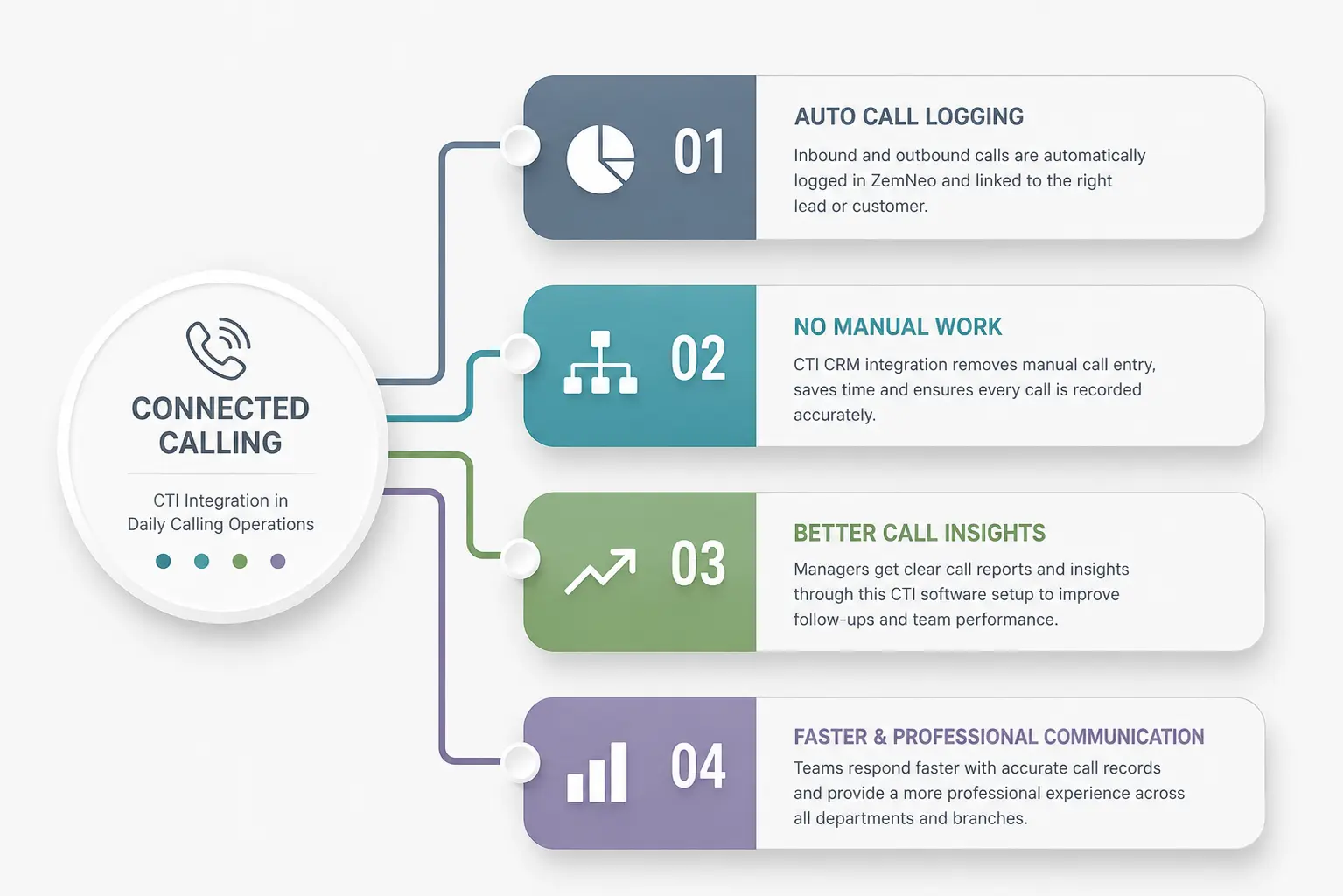
Connected Calling
CTI Integration in Daily Calling Operations
When calling systems work separately from the CRM, teams can lose important customer details and call history. ZemNeo CRM integrations connect your business calling system with your CRM, so inbound and outbound calls are automatically logged and linked to the right lead or customer. This reduces manual data entry and keeps call information organized in one place.
With CTI integration, managers can track call activity, teams can follow up faster, and customer conversations stay connected to the right records. ZemNeo helps sales and service teams manage calls more efficiently while giving managers clear and accurate call data across teams and branches.
CTI CRM Features
CTI CRM Features for Complete Call Management
These features help your team manage every call with accurate records, customer context, and faster follow-ups. ZemNeo reduces manual work and keeps important call information connected to your CRM.
CTI Communication Controls
Call Workflow Settings and Controlled Logging
ZemNeo’s Computer Telephony Integration (CTI) software keeps call activities organized through automated logging and workflow controls. Teams can maintain accurate call records, standardize follow-ups, and keep customer communication connected to the right CRM records.
-
Automatically log calls with agent and duration details
-
Standardize call outcomes across all team members
-
Trigger follow-up tasks after completed customer calls
-
Escalate missed calls through automated alert rules


Access and Compliance
Secure Call Access and Performance Visibility
ZemNeo’s CTI integration uses role-based permissions to control access to call activity and customer records. Managers get clear visibility into team calls, while sensitive communication data stays secure and accessible only to the right users.
-
Role-based permissions control call access and recordings
-
Agent-wise tracking monitors call activity and workload
-
Complete call history linked to customer records
-
Centralized records support audits and performance reviews
How Computer Telephony Integration Works
CTI CRM integration connects business calls with ZemNeo workflows and customer records. When a call comes in or goes out, ZemNeo matches the caller with the right lead, contact, or account and logs the call automatically.
Teams can add call outcomes, notes, and follow-up tasks after each conversation. This keeps every call part of the customer timeline, giving teams a clear communication history and helping them manage follow-ups without manual tracking.
With call logging, customer linking, and follow-up tasks working together, ZemNeo helps sales and support teams manage conversations more efficiently and keep customer records accurate.

Why ZemNeo Exists
Built for Better Call Management
Most businesses lose important call details when conversations happen outside the CRM. ZemNeo’s CTI integration brings calls, customer details, and call history into one CRM, helping teams respond faster and manage every conversation with better visibility.

Got Questions? We’ve Got Answers
Yes. CTI CRM integration supports click-to-call functionality, allowing users to place calls directly from CRM records without manual dialing, improving productivity and reducing calling errors.
Missed calls are logged automatically inside the CRM and can trigger tasks, reminders, or alerts, helping teams respond quickly and prevent missed sales opportunities.
CTI CRM integration supports compatible telephony providers through API connections, allowing businesses to connect their preferred calling systems with CRM workflows and records.
Yes. Incoming and outgoing calls are logged automatically with details such as duration, timestamps, agent information, and outcomes for complete activity tracking.
Access is controlled through role-based permissions, allowing managers and authorized users to review call history, agent performance, recordings, and activity reports securely.