
Smart Inventory Management Software: A Practical Guide for Growing Businesses
A notebook is often enough to manage stock when a business is just getting started. You write down what comes in, record what goes out, and check the remaining quantity when needed.
But things change as operations grow.
You open another godown, start supplying customers in a different city, or ask more employees to handle stock. Suddenly, the notebook is in one place, the Excel file is on someone’s laptop, and the latest stock count depends on who you ask.
This is when keeping track of inventory starts taking more time than it should.
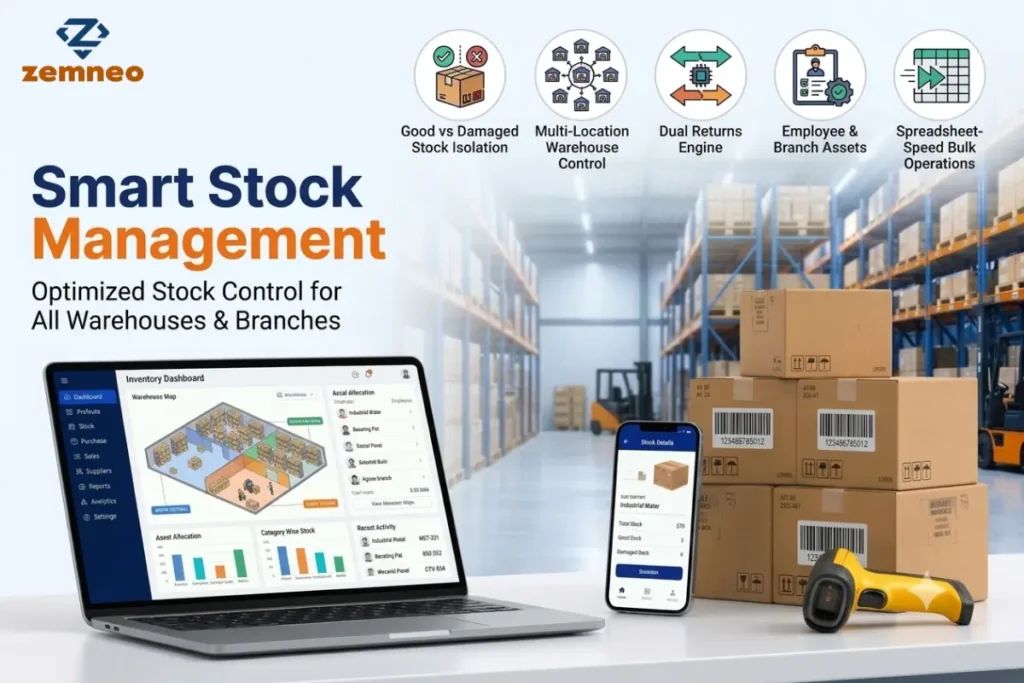
Smart inventory management software helps bring these records together. It can make it easier to check stock across locations, manage damaged goods, record returns, and track items issued to employees.
Let’s look at some common inventory problems and what businesses can do about them.
Why Spreadsheets Become Difficult to Manage
Excel is useful for recording stock, and many businesses continue using it for years. The problem is not the spreadsheet itself. It is keeping the information accurate when several people handle inventory.
Someone forgets to record a dispatch. Another employee updates an older file. A third person enters a return but forgets to adjust the available quantity.
The spreadsheet still looks fine, but the numbers no longer match the stock on the shelf.
For example, your records show 100 units, while the warehouse has only 85. Finding out what happened to the remaining 15 units may require checking old entries, delivery records, and messages.
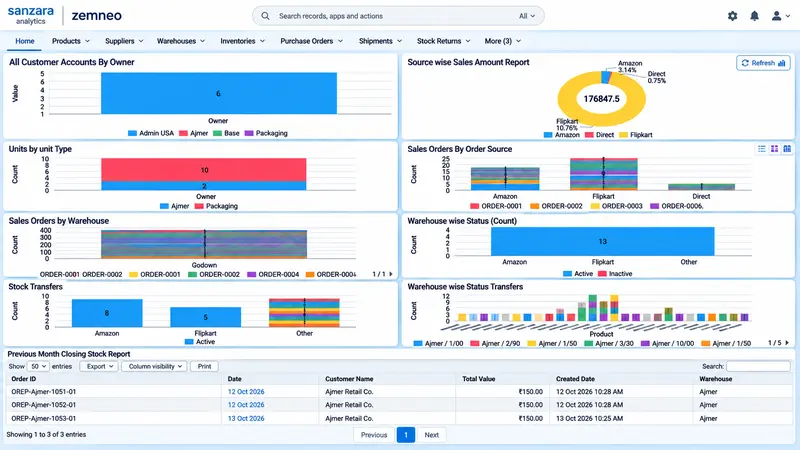
With more products, employees, and locations involved, these checks become harder to manage. A shared inventory system can help by keeping transactions and stock balances organised in one place.
1. Multi Warehouse Stock Tracking
Imagine a distributor with a main godown in Jaipur and another warehouse in Ajmer. A customer places an order with the Ajmer team, but the required product may be available only in Jaipur.
The team needs to check the other warehouse, confirm the quantity, and arrange a transfer if necessary. If the records are outdated, they may end up placing another purchase order for stock the business already owns.
Multi warehouse stock tracking helps prevent this confusion by maintaining separate stock balances for each location.
The team can check how much stock is available in Ajmer and Jaipur without depending entirely on phone calls or separate Excel files. Management can also view the combined stock across locations.
This makes it easier to plan transfers, identify shortages, and avoid unnecessary purchases.
For businesses managing several branches or warehouses, having a clear view of stock location can make daily coordination much easier.
2. How to Track Damaged Stock in Inventory
Damaged goods can create problems at almost any stage of the supply chain. A carton may get crushed during transport, a product may arrive with a defect, or a customer may return an item that cannot be sold again.
The problem becomes more serious when the inventory record shows only the total quantity without distinguishing between usable and damaged products.
Suppose the system shows 50 units in stock, but six are broken. The sales team may assume all 50 are ready for dispatch. The mistake becomes clear only when someone checks the products while packing an order.
A better approach is to record good stock and damaged stock separately.
- Good stock: Products ready to sell, dispatch, or issue.
- Damaged stock: Products that need inspection, repair, replacement, or return to the supplier.
When a damaged item comes back, it should be recorded in the appropriate category instead of automatically being treated as available stock.
After inspection, an authorised employee can update its status according to the business process.
This is how businesses track damaged stock in inventory without relying on separate sheets that may not be updated regularly.
3. Managing Sales Returns and Purchase Returns
Returns can happen in both directions. Customers may send products back to your business, and your business may need to return faulty goods to a supplier.
Although both involve returned items, they affect stock differently.
- Sales returns: A customer returns a product that was previously sold. The returned quantity needs to be recorded, and the product’s condition should be checked before it is made available for sale again.
- Purchase returns: Your business sends products back to a supplier because they are damaged, incorrect, or supplied in the wrong quantity. The quantity sent back needs to be deducted from the relevant stock balance.
Handling these transactions manually can lead to mistakes. An employee may forget to record a returned item, deduct the wrong quantity, or update the wrong warehouse.
Smart inventory management software can help organize both processes. Depending on the system, employees can record the returned quantity, identify damaged items, and maintain a reference number for each transaction.
For example, a return reference such as SR-YYYYMMDD-XXXX can help staff locate the entry later.
The main benefit is that the business has a clearer record of what came back, what went to the supplier, and what remains available.
4. Tracking Items Issued to Employees
Not all stock is meant for customers. Businesses also give laptops, chargers, tools, and stationery to their own staff, and these records often end up on paper slips or WhatsApp messages. A few months later, nobody is sure who has the projector.
An internal issue record links each item to an employee, department, or branch, along with the date and quantity. This makes employee asset issue tracking much simpler, because nobody has to search through old chats.
It also helps if the system blocks issuing more than is available. If five chargers are in stock, issuing six should not go through. Otherwise, negative stock appears, and the numbers on screen stop matching the shelf.
5. Entering Stock Faster
After a day of receiving and packing, nobody wants to fill a form one item at a time. Entries get delayed, and records fall behind.
Smart inventory management software usually offers grid-style entry, which works like a spreadsheet. Staff can add several rows together, pick products through auto-complete, and save everything in one go. When updating takes minutes instead of an hour, it is far more likely to happen the same day.
What Happens When an Entry Is Cancelled?
A return may be entered twice, or the wrong item may be selected. In a spreadsheet, correcting this means reversing every affected row by hand. In a proper inventory system, cancelling the record should restore the stock balance automatically.
Spreadsheet vs. Inventory System
| Situation | Spreadsheet | Inventory system |
| Updating stock | Typed manually, errors likely | Updates on every transaction |
| Damaged goods | Often mixed with good stock | Kept separate |
| Multiple locations | Several files to merge | One view, split by location |
| Cancelled entries | Manual fixes across rows | Stock restored automatically |
| Records | Easy to overwrite or delete | Unique ID for every entry |
What to Check Before Choosing Software
Most features on a long list never get used. A few simple questions are usually enough:
- Can the warehouse team learn it in a day or two?
- Is bulk entry fast enough for busy days?
- Can it track items issued to staff, not just items sold to customers?
- Does every entry leave a trail, with a unique ID and automatic stock restoration on cancellation?
If you also want customer records and stock in one place, Zemneo is worth a look. It is a CRM with built-in stock control, so sales and the warehouse can work from the same data. Our guide on lead management covers the sales side.
Frequently Asked Questions (FAQs)
Once stock stops being simple, yes. If you have more than one stock location, handle returns, or give items to staff, a notebook or spreadsheet will start costing you money. This is true for a single-shop trader and for a company with ten branches.
Yes. Good software keeps two quantities for every product, so damaged pieces never show up as available.
Multi-warehouse inventory tracking helps businesses monitor stock quantities at different warehouses or storage locations. You can check where products are available, track stock transfers, and avoid confusion when fulfilling orders.
Yes. Businesses can maintain records of products, tools, equipment, or other assets issued to employees. These records help track who received an item, when it was issued, and whether it has been returned.
It keeps stock records updated when products are purchased, sold, transferred, returned, or damaged. This reduces manual calculations, prevents duplicate entries, and helps businesses make better purchasing decisions.
Where to Start
Look at your current process first. Where do items go missing? Where do entries lag? Where do the counts stop matching?
Fix those gaps first. Smart inventory management software won’t remove every mistake, but it catches the ones that cost money. If you would like to see how this works for your own stock, contact us and we will walk you through it.
