
SMS Integration
CRM SMS IntegrationSoftware
SMS still gets read faster than almost any other channel. ZemNeo's CRM SMS integration sends payment reminders, OTPs, and alerts automatically, while keeping a full record of every message. It works on any phone, even with no internet connection.
- Home
- Integrations
- SMS Integration
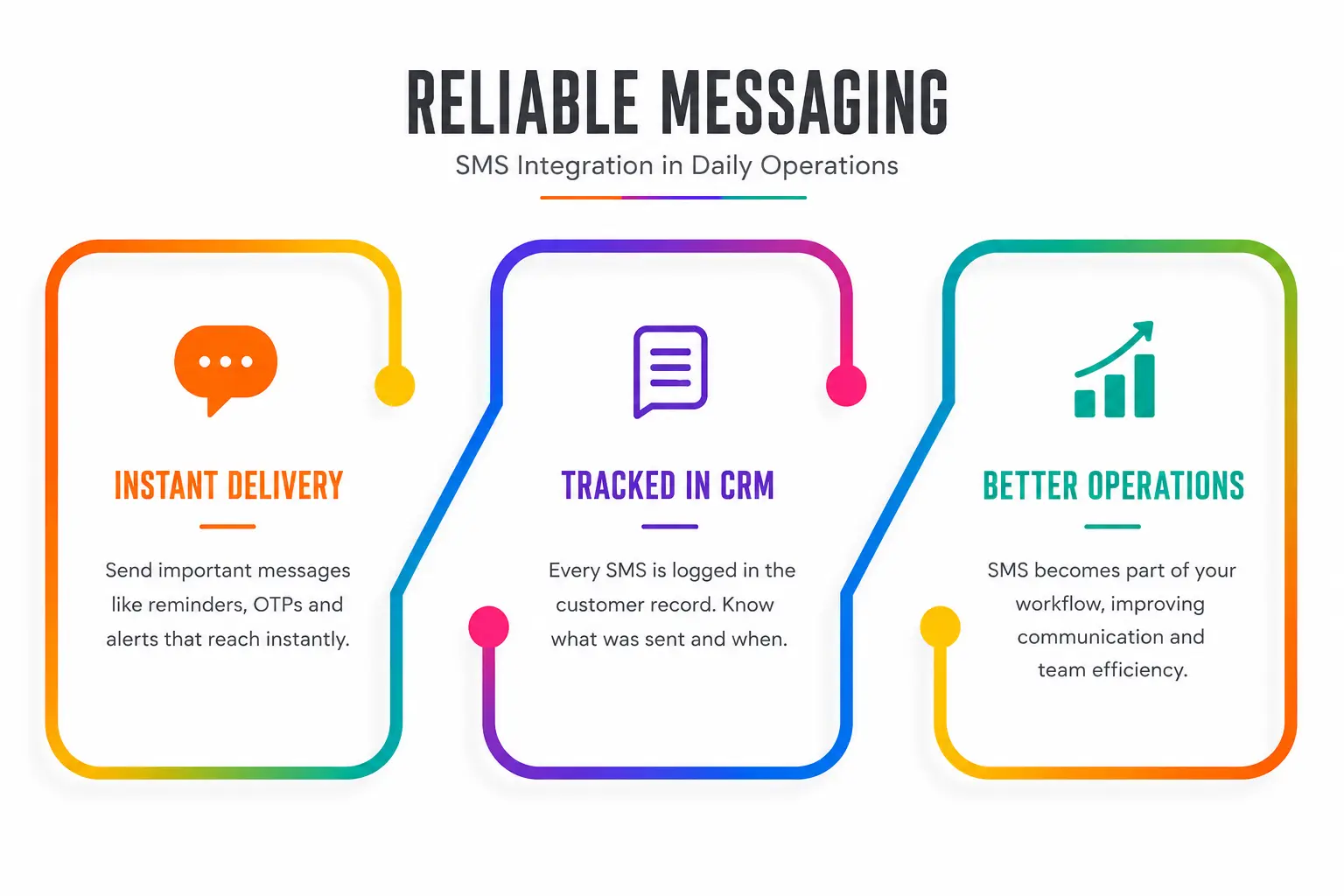
Reliable Messaging
SMS Integration in Daily Operations
Some messages cannot wait or get lost. SMS integration is built for short, clear messages that need to reach someone right away, like payment reminders, appointment confirmations, OTPs, and internal alerts.
With ZemNeo's SMS integration set up inside the CRM, SMS stops being a separate tool that nobody tracks. Every message becomes part of the customer's record, so your team always knows what was sent and when. This is what CRM SMS software should actually do.
SMS CRM Features
Business Ready SMS CRM Software Features
These features help your team send the right message, to the right person, every time.
Template Based Messaging
Predefined SMS templates help teams send approved messages quickly while reducing repetitive typing and maintaining consistent communication across departments.
Message Personalisation
Messages automatically include customer names, dates, amounts, and references, so CRM text messaging feels relevant instead of generic.
Role Based Access
SMS permissions follow CRM access controls, ensuring only authorized users can send, view, or manage business messages while maintaining accountability and security.
Centralized Messaging
Every SMS is stored directly within the CRM, creating one centralized communication record that teams can access easily without checking phones or separate systems.
SMS Automation
SMS marketing automation sends messages automatically when tasks become due, lead stages change, or important deadlines approach, reducing manual communication work.
History Tracking
Every SMS is logged with timestamps and linked records, providing complete message history that supports reviews, audits, compliance requirements, and accountability.
SMS Communication Controls
Message Templates and Controlled Sending
ZemNeo's sms crm software helps teams standardize messaging with approved SMS templates, reducing manual effort while keeping communication accurate, consistent, and organized.
-
Use approved templates for common customer communication.
-
Maintain consistent messaging across all business teams.
-
Reduce errors from duplicate or incorrect messages.
-
Send messages faster without repeated manual typing .
Access and Compliance
Secure SMS Permissions and Compliance
ZemNeo applies role based permissions to SMS activity, giving teams secure access, complete visibility, accountability, and controlled communication management.
-
ZemNeo applies role-based permissions to SMS activity
-
Message visibility based on assigned users and teams
-
Complete SMS history and activity tracking
-
Centralised communication records for audits and reviews

Connected Business Operations
How CRM Events Trigger SMS Communication
SMS CRM integration connects CRM workflows directly with your SMS provider. When an event like a new lead or due task occurs, automation triggers an SMS through the connected gateway. Delivery status is logged automatically, and the message appears in the customer timeline. This keeps all SMS communication organised, traceable, and easy for teams to review inside the CRM.
How SMS Integration Helps
Send and Track Messages Better
Most businesses send SMS from separate tools without tracking. CRM SMS integration links every message to customer records for complete visibility.

Got Questions? We’ve Got Answers
CRM SMS integration connects text messaging directly to your CRM, so alerts, reminders, and updates send automatically and stay logged against the right customer record.
Bulk SMS tools send to a list with no context. SMS CRM software ties every message to an actual customer record, with full history and conversation context attached.
Yes. Messages can pull in the customer's name, amount due, or appointment time automatically, instead of sending the same generic text to everyone.
A new lead, an approaching deadline, a payment due date, or a task becoming overdue can all trigger an automatic SMS without anyone typing it manually.
Yes. Text messages deliver over the standard mobile network, so they reach customers even when there is no internet access on either end.
Access follows role based permissions, so only authorized team members can send, view, or manage SMS activity for a given account or customer.
Yes. Sales, support, and operations teams can all use SMS integration independently, with permissions keeping each team's messages separate and accountable.
Every message appears directly inside that customer's record in the CRM, alongside their calls, emails, and other notes, with a timestamp attached.